
Inventory management is the lifeblood of any small business, but the complexity of tracking goods can quickly overwhelm even the most dedicated shop owner. If your system relies on massive spreadsheets, you are operating with a painful combination of human error and manual labor.
The Pitfalls of Paper and Spreadsheets

While a spreadsheet might seem like a robust solution at first glance, relying solely on complex Excel or Google Sheet setups introduces critical points of failure that jeopardize small business profitability. Manually entering every sale, every received shipment, and every internal transfer dramatically increases the risk of human error—a simple typo in a SKU number or forgetting to update a count can lead to significant financial discrepancies. These manual processes are not only time-consuming but also create a massive bottleneck during peak operational times, forcing your staff to juggle physical items and digital data simultaneously. This inefficiency directly impacts customer service and inventory accuracy, making your overall operation feel sluggish and reactive.
Furthermore, spreadsheets lack the foundational integration required for modern retail success. They are isolated documents that cannot talk to your Point of Sale (POS) system, your accounting software, or your e-commerce platform. To get a complete picture of your stock, you often have to export data from three or four different sources and then spend hours cleaning and reconciling them into one master sheet. This fragmented view means you might be selling items you think you have, only to discover they are already sold or damaged. This inability to maintain a real-time, unified view of stock levels is the biggest operational leak that spreadsheet systems cannot possibly solve.
Understanding the Smart Inventory Upgrade

The move from a static spreadsheet to a dedicated smart inventory application is not just about going digital; it is about adopting an integrated operating system for your store. Modern inventory apps connect all touchpoints—from the moment a product arrives at the back door to the moment the customer walks out the door—into one seamless digital loop. These applications utilize technologies like QR codes, barcoding, and sometimes even RFID, to automate data collection. Instead of typing in counts, you simply scan an item, and the system immediately updates its location, status, and remaining quantity across all connected channels, making real-time tracking effortless.
These smarter systems provide sophisticated analytics that spreadsheets cannot replicate. They don’t just tell you how many items you have; they tell you what you need to order, when you need it, and why. Features like predictive restocking alerts, demand forecasting based on seasonal trends, and automatic identification of slow-moving or dead stock are built-in. This proactive intelligence allows small shops to move away from simply reacting to stock-outs and instead adopt a strategic purchasing approach that minimizes capital tied up in excess inventory while ensuring best-sellers are always available when the customer wants them.
Key Features to Look for in Modern Apps

When evaluating potential inventory software, prospective users should prioritize three key functional pillars: integration, ease of use, and mobile capability. Integration is non-negotiable; the best app must talk natively to your POS and ideally your accounting package. This ensures that every transaction automatically updates the stock count, eliminating the need for manual adjustments. Second, the interface must be intuitive for staff who are not tech experts, allowing for quick onboarding and minimal training time. A clunky system, no matter how powerful, will be abandoned by employees.
Mobile capability is equally crucial for small shops. Inventory management rarely happens solely at a desk; it happens on the shop floor, in the back room, and on the warehouse shelf. Therefore, the app must function flawlessly on handheld devices or tablets, allowing staff to perform tasks like cycle counts, receiving shipments, and fulfilling online orders directly on the floor. Advanced features to seek out include multi-location tracking (if you have both a shop and an online warehouse), batch tracking (essential for perishable or date-sensitive goods), and detailed reporting on shrinkage or waste patterns.
- Barcode/QR Scanning: Essential for fast and accurate data entry.
- Real-Time POS Sync: Ensures stock levels are instantly updated with every sale.
- Automated Reordering: Triggers purchase orders when stock hits predefined minimum levels.
- Multi-User Access: Allows different staff roles to access only the data relevant to their function.
Implementation and Workflow Optimization

Making the transition requires careful planning, treating it less like an IT project and more like a business process overhaul. Before selecting an app, dedicate time to mapping out your current physical workflow. Where does the product enter the business? Who is responsible for counting it? How does it get placed on the shelf? By defining these exact touchpoints, you can create a perfect digital workflow for the new system. This initial mapping phase prevents unnecessary features from being implemented and ensures that the software solutions you purchase will actually solve the problems you currently face.
The implementation process itself should be phased and supported by the vendor. Do not try to launch everything at once. Begin by mastering one function, such as receiving and checking stock counts, before moving on to sales reconciliation or multi-location tracking. Dedicate time for staff training, focusing on the ‘why’ behind the new system—demonstrating how it makes *their* jobs easier and reduces stress—rather than just focusing on the buttons. A successful transition is built on user adoption, not just software installation.
Selecting Your Ideal Inventory Partner
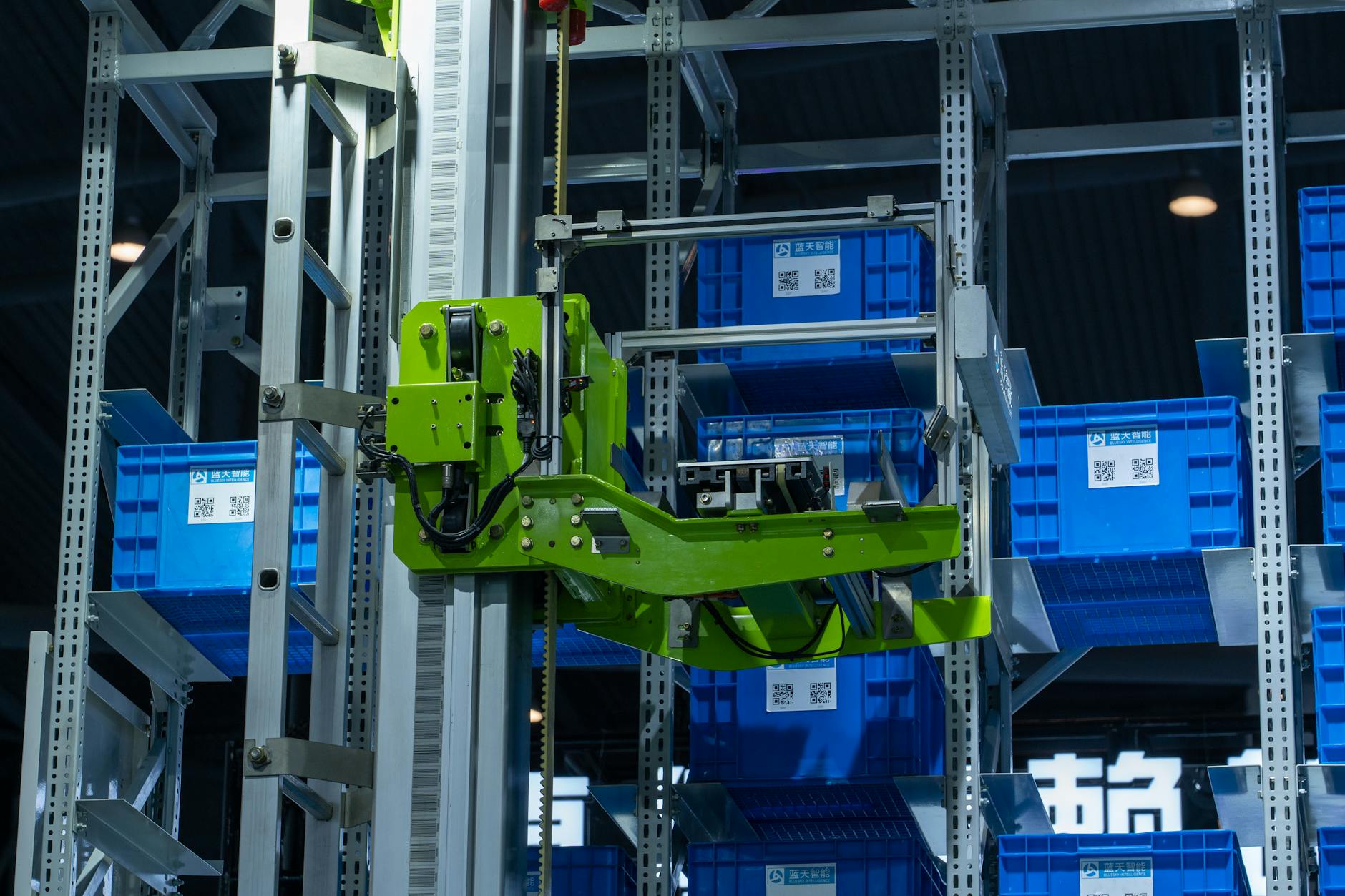
The inventory software market is vast, presenting a challenge when a small shop simply needs something reliable and scalable. When comparing solutions, look for platforms built specifically for the small-to-medium business (SMB) category, as enterprise-level systems are often overkill, too complex, and cost-prohibitive. Pay close attention to the vendor’s customer support structure; for a small shop, having access to quick, human support is invaluable. You need a partner who understands local retail pain points, not just massive global logistics chains.
Furthermore, consider the Total Cost of Ownership (TCO). While some apps have low monthly subscription fees, they may require costly integrations or paid modules for basic functionality. Always ask for a transparent breakdown that covers the core software, necessary hardware (like scanners or terminals), and ongoing maintenance fees. By prioritizing vendors that offer demonstrable scalability—meaning the system can grow with you as you add product lines or open a second location—you are investing in a solution that will remain relevant and efficient for years to come, securing your shop’s future growth.
Conclusion: Embracing the Future of Retail

Shifting from manual spreadsheets to intelligent inventory apps is arguably the single most impactful operational upgrade a small shop can make today. It liberates time previously wasted on data reconciliation, drastically minimizes shrinkage, and provides the strategic insights necessary to grow profitable product lines. By adopting integrated, smart technology, you are not just buying software; you are buying accuracy, efficiency, and the ability to focus your energy back on what matters most: providing an excellent experience to your customers.





Leave a Comment